Download Button
#| '!! shinylive warning !!': |
#|   shinylive does not work in self-contained HTML documents.
#|   Please set `embed-resources: false` in your metadata.
#| standalone: true
#| components: [viewer]
#| viewerHeight: 200

from datetime import date
from shiny import ui, render, App

app_ui = ui.page_fluid(
    ui.h4("Download Example Data"),
    ui.download_button("download_data", "Download CSV File"),
    ui.p("Click the button to download a CSV file with sample data."),
)

def server(input, output, session):
    @render.download_button(filename=f"sample-data-{date.today()}.csv")
    def download_data():
        yield "name,age,city\n"
        yield "Alice,25,New York\n"
        yield "Bob,30,San Francisco\n"
        yield "Charlie,35,Chicago\n"

app = App(app_ui, server)from datetime import date
from shiny import ui, render, App
app_ui = ui.page_fluid(
ui.download_button("download_data", "Download CSV"),
)
def server(input, output, session):
@render.download_button(filename=lambda: f"data-{date.today()}.csv")
def download_data():
yield "name,value\n"
yield "Alice,100\n"
yield "Bob,200\n"
app = App(app_ui, server)Relevant Functions
-
ui.download_button
ui.download_button(id, label, *, icon=None, width=None, **kwargs) -
ui.download_link
ui.download_link(id, label, *, icon=None, width=None, **kwargs) -
@render.download_button
render.download_button(fn=None, *, filename=None, media_type=None, encoding='utf-8', label='Download', width=None) -
@render.download_link
render.download_link(fn=None, *, filename=None, media_type=None, encoding='utf-8', label='Download', width=None)
Details
A download button triggers a file download when clicked. Use ui.download_button() for a button style, or ui.download_link() for a link style.
To add a download button to your app:
Add
ui.download_button()orui.download_link()to the UI with a uniqueidand descriptivelabel. (In Express mode, the button is auto-generated from the function name.)Create a function with the same name as the button’s
idand decorate it with@render.download_button()(or@render.download_link()when pairing withui.download_link()).The download function can either:
- Return a string filepath (for existing files on disk)
yieldcontent line by line or chunk by chunk (for generated content or temp files)
Specify the download filename using the
filenameparameter of@render.download_button(). This can be a string or a function that returns a string (useful for dynamic filenames).
Dynamic Filenames: Use a lambda or function for the filename parameter to create dynamic filenames:
Content Types: The download handler can yield any content - CSV data, JSON, text files, images, or binary data. For binary files, yield bytes instead of strings.
Streaming: The yield approach allows streaming large files efficiently without loading the entire file into memory.
See Also: Download Link for the link-styled counterpart of this component, and Output UI which can be used to dynamically generate download buttons based on user inputs or reactive values.
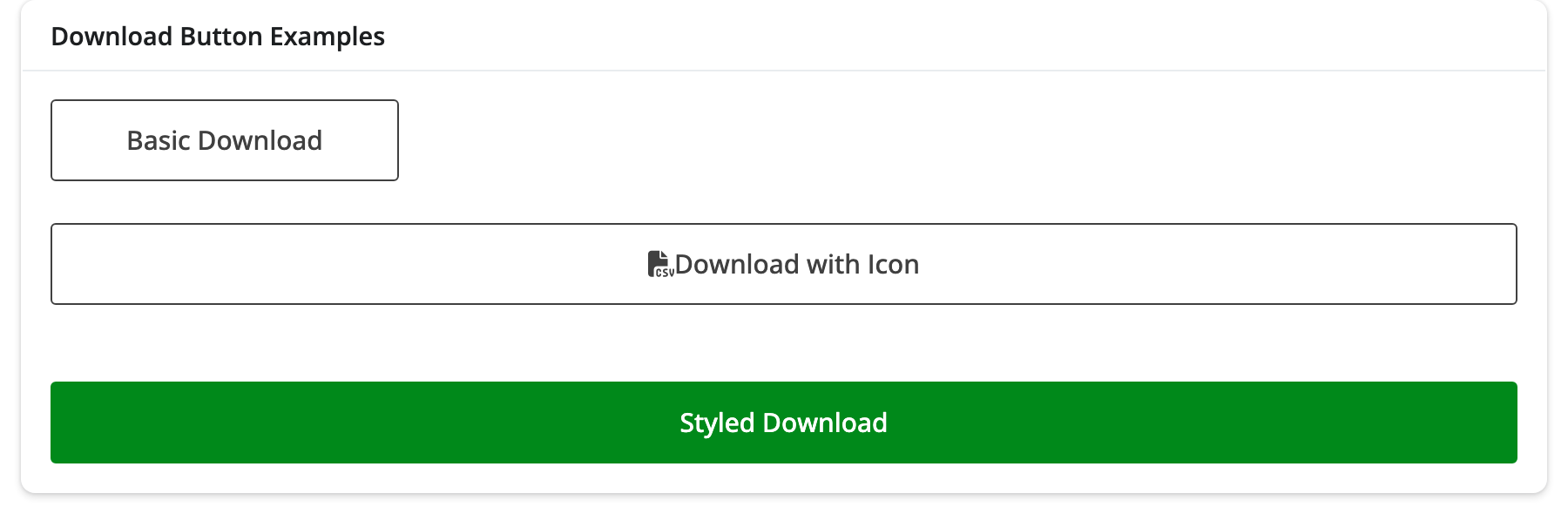
Variation Showcase
A live kitchen sink of all possible parameters for the Download Button in Shiny Core and Shiny Express.