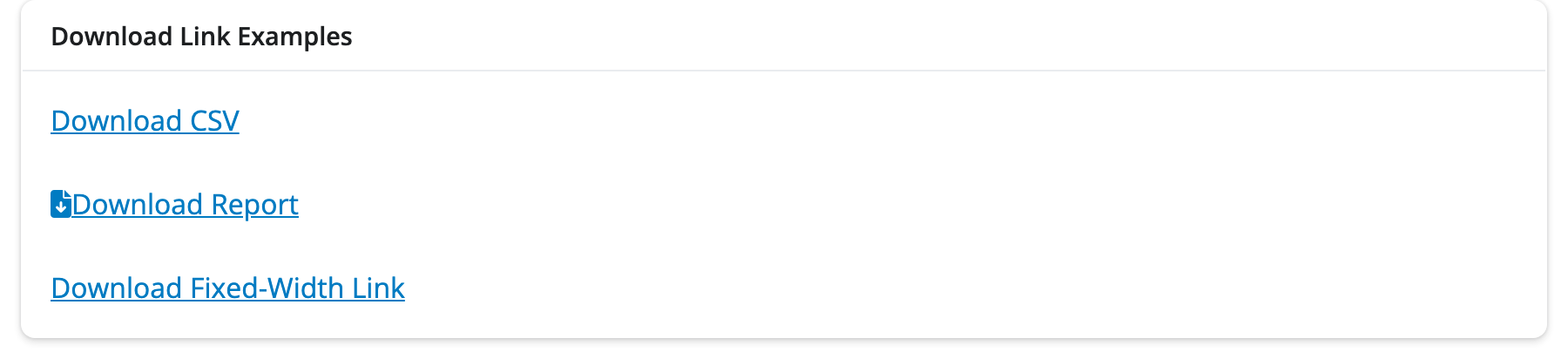
Download Link
#| '!! shinylive warning !!': |
#|   shinylive does not work in self-contained HTML documents.
#|   Please set `embed-resources: false` in your metadata.
#| standalone: true
#| components: [viewer]
#| viewerHeight: 200

from datetime import date
from shiny import ui, render, App

app_ui = ui.page_fluid(
    ui.h4("Download Example Data"),
    ui.download_link("download_data", "Download CSV File"),
    ui.p("Click the link to download a CSV file with sample data."),
)

def server(input, output, session):
    @render.download_link(filename=f"sample-data-{date.today()}.csv")
    def download_data():
        yield "name,age,city\n"
        yield "Alice,25,New York\n"
        yield "Bob,30,San Francisco\n"
        yield "Charlie,35,Chicago\n"

app = App(app_ui, server)from datetime import date
from shiny import App, render, ui
app_ui = ui.page_fluid(
ui.download_link("download_data", "Download CSV"),
)
def server(input, output, session):
@render.download_link(filename=lambda: f"data-{date.today()}.csv")
def download_data():
yield "name,value\n"
yield "Alice,100\n"
yield "Bob,200\n"
app = App(app_ui, server)Relevant Functions
-
ui.download_link
ui.download_link(id, label, *, icon=None, width=None, **kwargs) -
ui.download_button
ui.download_button(id, label, *, icon=None, width=None, **kwargs) -
@render.download_link
render.download_link(fn=None, *, filename=None, media_type=None, encoding='utf-8', label='Download', width=None)
Details
A download link triggers a file download when clicked. Use ui.download_link() for a link style, or ui.download_button() for a button style.
Express Mode: Download links are fully supported in Express mode. Decorate your function with @render.download_link() and Express automatically places a download link in the UI at that location — no explicit ui.download_link() call is needed, as shown in the Express tab above.
To add a download link to your app:
Add
ui.download_link()orui.download_button()to the UI with a uniqueidand descriptivelabel. (In Express mode, the link is auto-generated from the function name.)In the server function, create a function with the same name as the link’s
idand decorate it with@render.download_link().The download function should
yieldthe content to download, line by line or chunk by chunk. This allows downloading large files without loading everything into memory at once.Specify the download filename using the
filenameparameter of@render.download_link(). This can be a string or a function that returns a string (useful for dynamic filenames with dates or user inputs).
Dynamic Filenames: Use a lambda or function for the filename parameter to create dynamic filenames:
Content Types: The download handler can yield any content - CSV data, JSON, text files, images, or binary data. For binary files, yield bytes instead of strings.
Streaming: The yield approach allows streaming large files efficiently without loading the entire file into memory.
Button vs Link: Use ui.download_link() when you want the download control to appear as inline text (like a hyperlink), which is less visually prominent. Use ui.download_button() when you want a more prominent call-to-action with button styling.
See Also: Download Button for the button-styled counterpart of this component, and Output UI which can be used to dynamically generate download links based on user inputs or reactive values.
Variation Showcase
A live kitchen sink of all possible parameters for the Download Link in Shiny Core and Shiny Express.